Dell Premier Wireless Mouse - WM527
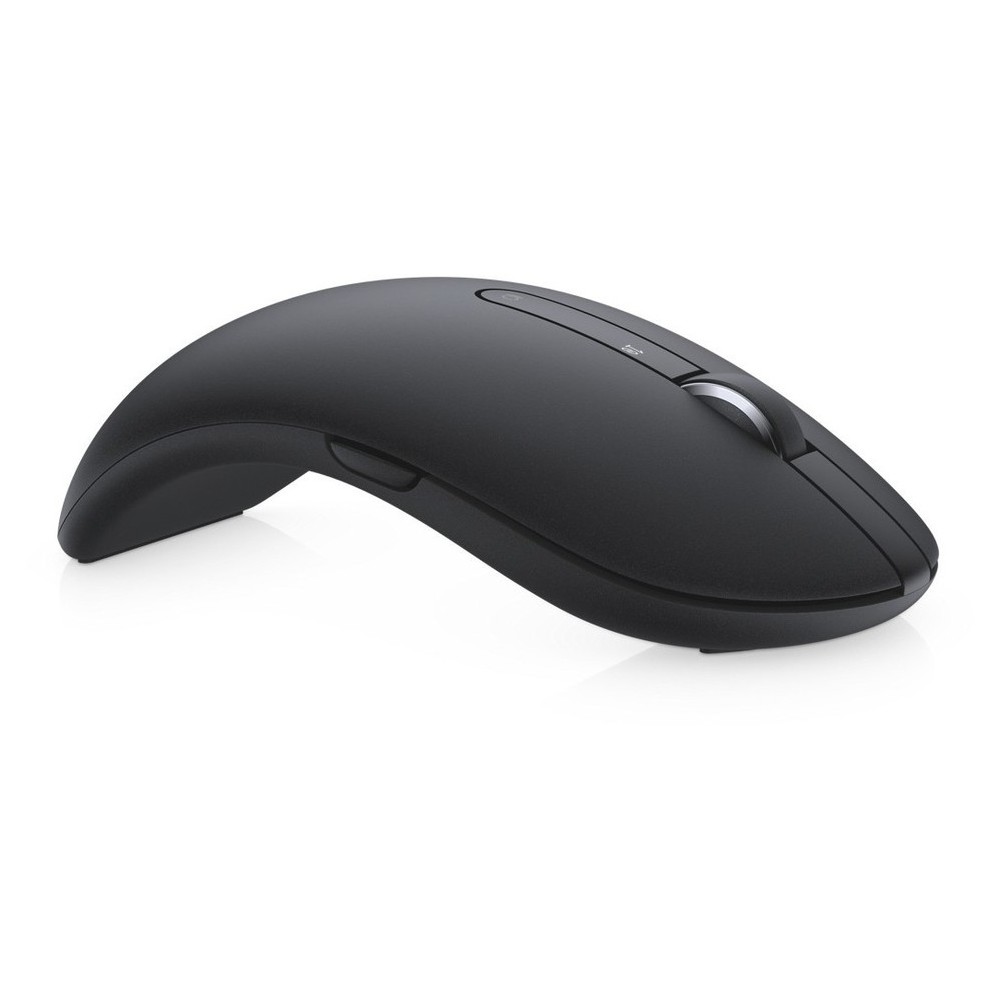
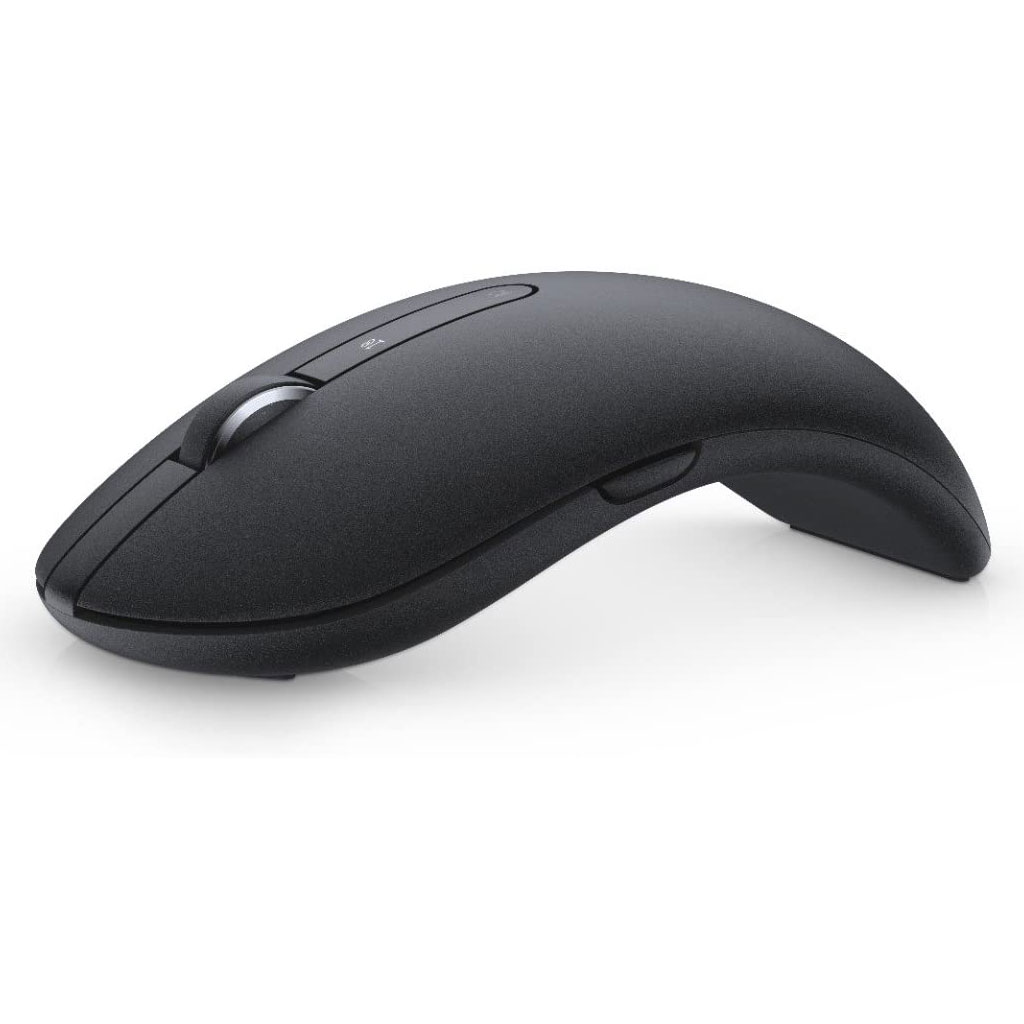
Enhance daily performance and productivity with the Dell Premier Wireless Mouse - WM527, which features an elegant design that will fit into virtually any workspace!
Κωδικός etd.gr: 1322075
Άμεσα διαθέσιμο
Κατασκευαστής: DELL
Τύπος: Mouse
Χρήση: Mobile
Χρώμα: Black
Συνδεσιμότητα: Wireless/Bluetooth
Mouse Dell Premier Wireless WM527 (570-AAPS)
48.00€
34.90€
Κέρδος: 13.10 €
Τιμή:
48.00€
34.90€
Ποσότητα:
Μεταφορικά:
Εντός Λεκαν. Αθηνών 2.9€
Εκτός Λεκαν. Αθηνών 3.5€
Δυσπρόσιτες Περιοχές 4.6€
Αντικαταβολή:
Εντός Λεκαν. Αθηνών 2.00€
Εκτός Λεκαν. Αθηνών 2.00€
Enhance daily performance and productivity with the Dell Premier Wireless Mouse – WM527, which features an elegant design that will fit into virtually any workspace.
Enhance daily performance and productivity
Improve your day-to-day performance with the Dell Premier Wireless Mouse – WM527. Easily navigate on almost any surface,including glass and high-gloss surfaces with the 1600 dpi laser mouse.
Enjoy the freedom to choose your wireless connection
With flexible wireless connectivity you can easily switch between three devices—desktop, laptop, and mobile devices—using 2.4GHz wireless or Bluetooth LE.
Connect compatible devices with Dell Universal Pairing and Bluetooth LE
The nano dongle connects the mouse and up to six total compatible devices using 2.4GHz wireless Dell Universal Pairing (Dell.com/Pair). This provides you with one dongle for your compatible devices, whether at your desk or on-the-go. For increased productivity you can simultaneously pair up to two compatible devices with Bluetooth LE.
The Dell Premier Wireless Mouse – WM527 is compatible with Windows® 8/8.1/10 using Bluetooth 4.0 radio.For Windows® 7 PCs using Bluetooth 4.0 radio, Please update your PC’s Bluetooth drivers to the latest version before connecting. Please note that systems using earlier versions of Bluetooth are not compatible.
Windows 7, 8, and 10 have a known behavior with selective power management of attached devices which could make your mouse appear locked. Reboot the system or turn your Bluetooth radio off and back on to reconnect your mouse.
If the Bluetooth radio power management on your computer is set to “Allow the computer to turn off this device to save power”, this could also cause your computer to not reconnect with the keyboard or mouse after being idle. To solve this, disable the “Allow the computer to turn off this device to save power” option in the “Properties” of Bluetooth radio “Power Management” tab of your computer. More details can be found in WM527 User Guide.
Elegant design increases comfort for a more productive day
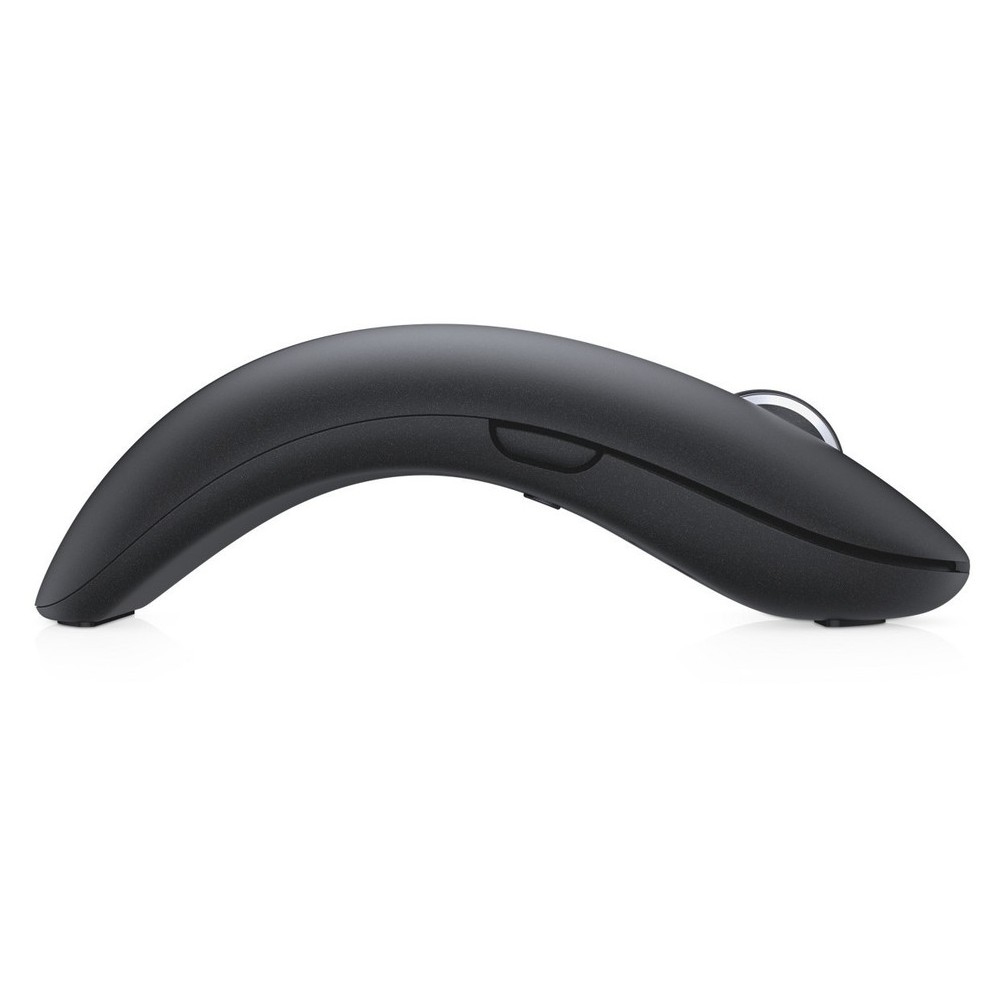
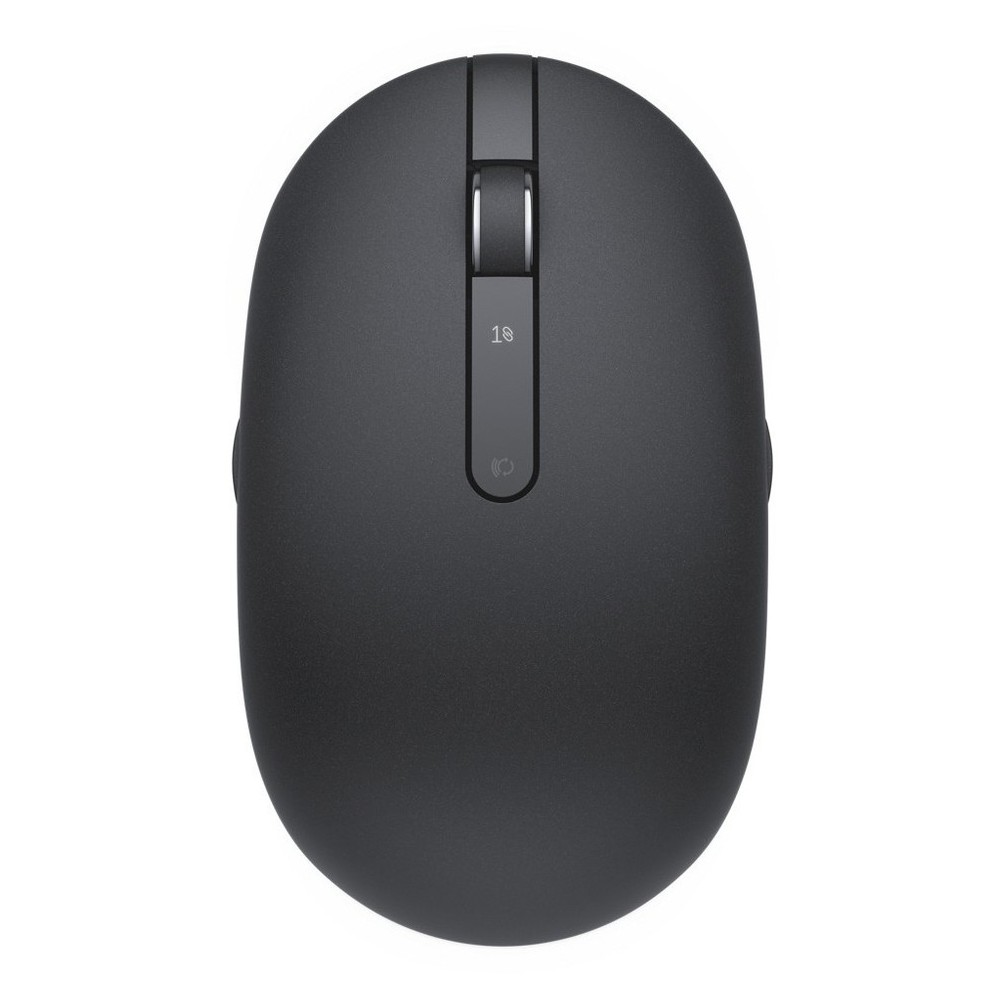
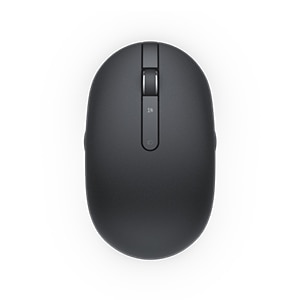
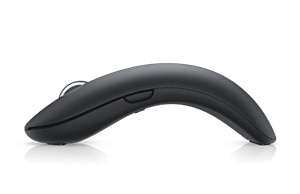
The ergonomically designed mouse allows you to work in comfort throughout your workday. Featuring a smooth arc shape, the mouse brings convenient shortcuts to your fingertips with five buttons. Constructed of premium materials, the mouse features an elegant design that will fit into virtually any workspace.
Long battery life for daily reliability
With 6 months of battery life, you don’t need to worry about running out of power during your busy day.
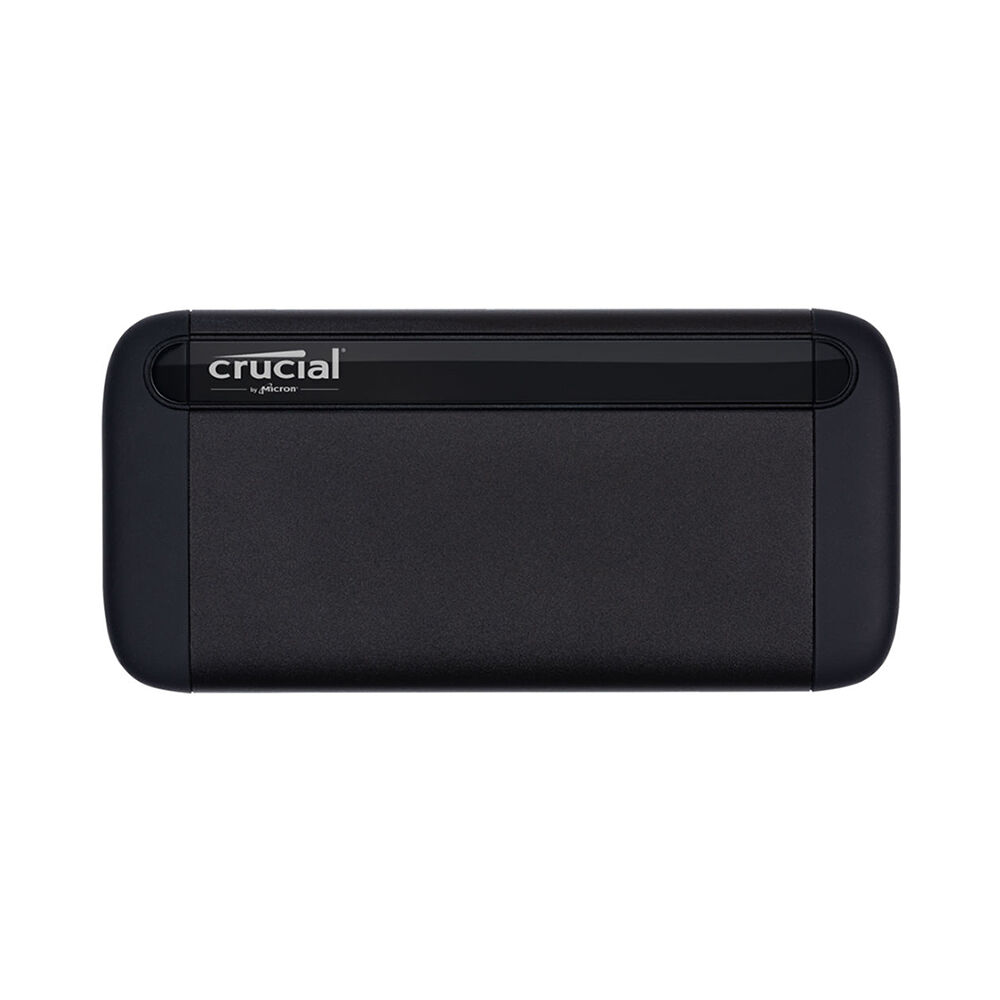
The new Crucial® X8 Portable SSD is the faster external solid state drive that you have been waiting for.
Back up important photos, videos, and documents with up to 1TB capacity. Expand storage on your PS4™, Xbox One, iPad Pro, Android device, or simply free up space on your computer quickly with speeds up to 1050MB/s.The Crucial® X8 runs up to 1.8x faster than other portable SSDs and up to 7.5x faster than portable HDDs. Store with confidence on the Crucial® X8.